DotTripleO fake email generator
Every registrar's panel is laid out differently, and the DNS section is usually two menus deep under a name nobody would guess. Below is one panel walked through end to end. Yours will not match pixel for pixel; the shape of the task will.
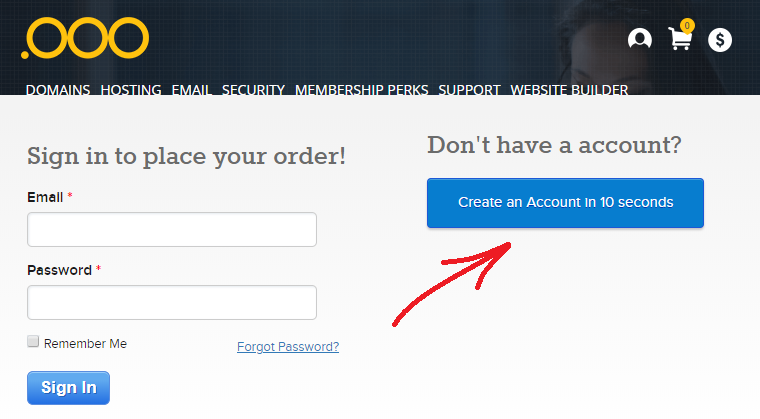
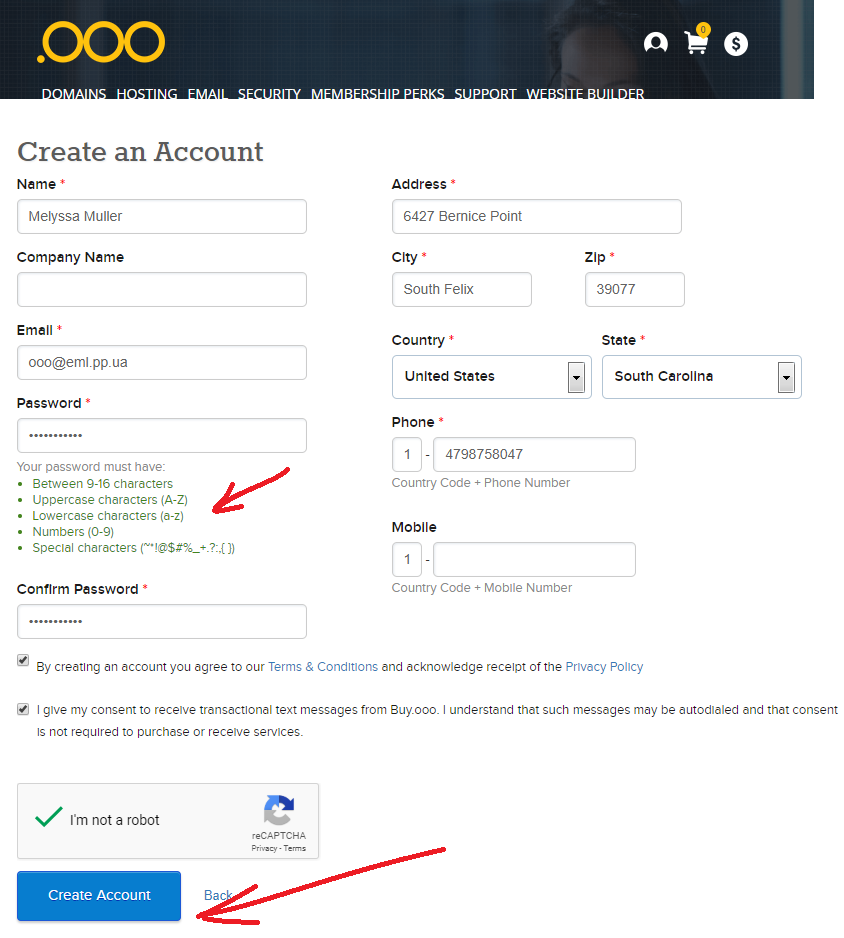
1. Create the account
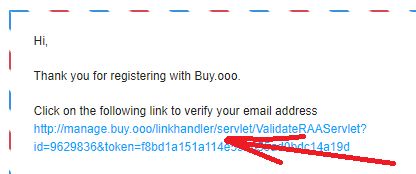
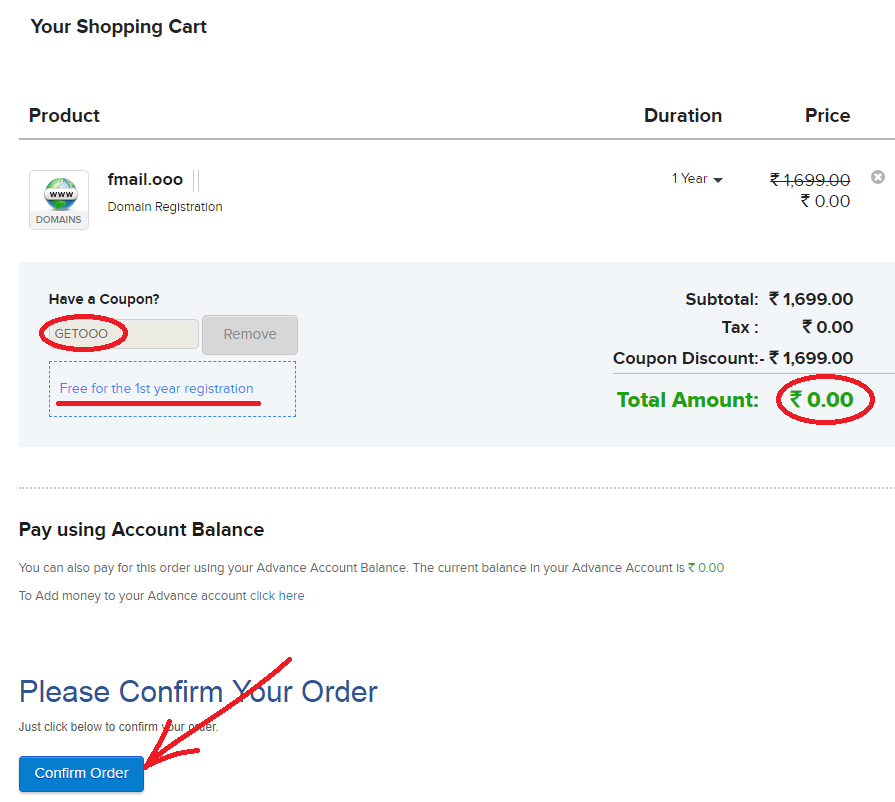
Registration wants a name, an address and an email. Use an address only you can read — the mailbox you give the registrar is the one that resets the password later, so it is the key to the domain itself.
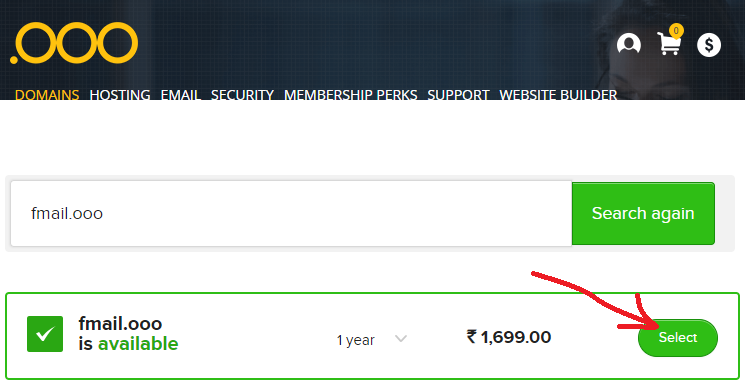
2. Find a name that is actually free
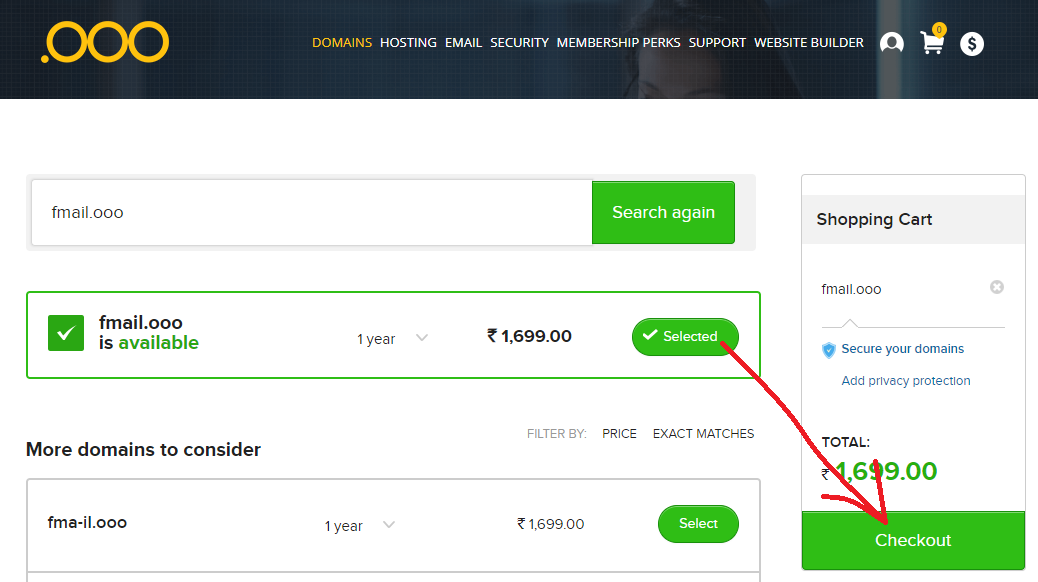
Search, and expect most short names to be taken. A longer, duller name has two advantages: it is available, and it attracts no attention from the sign-up forms you will use it with.
3. The step everyone gets stuck on: DNS
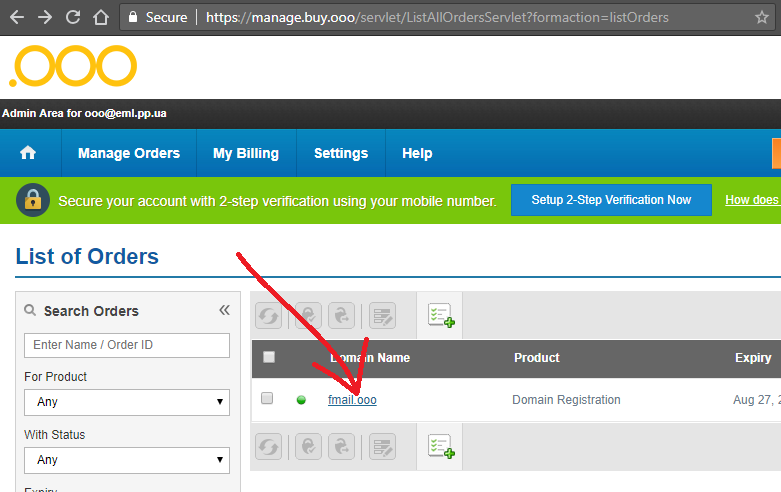
After purchase, open the order and look for something called DNS Management, DNS Zone, Advanced DNS or Name servers — the name varies, the contents do not.
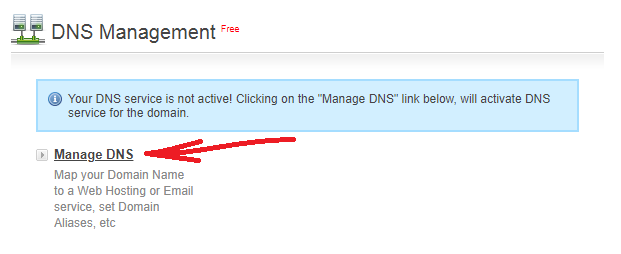
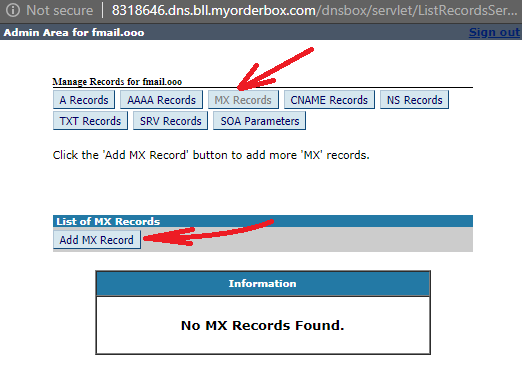
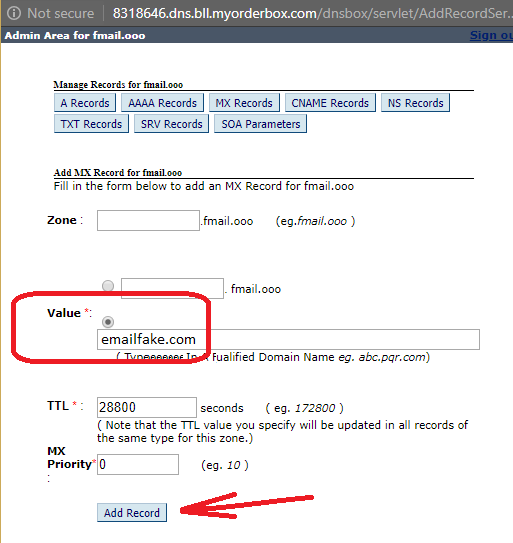
Add one MX record. The exact values — here, and they are the same regardless of registrar.
4. Wait, then verify rather than guess
DNS changes take anywhere from a few minutes to a day or two to spread. There is no way to hurry it, but there is a way to see where it stands: the domain debugger asks your domain's own name servers, live, and shows their answer.
When it reports the MX record, open the domain here and the mailbox is working. If it still does not, three possible causes and how to tell them apart.